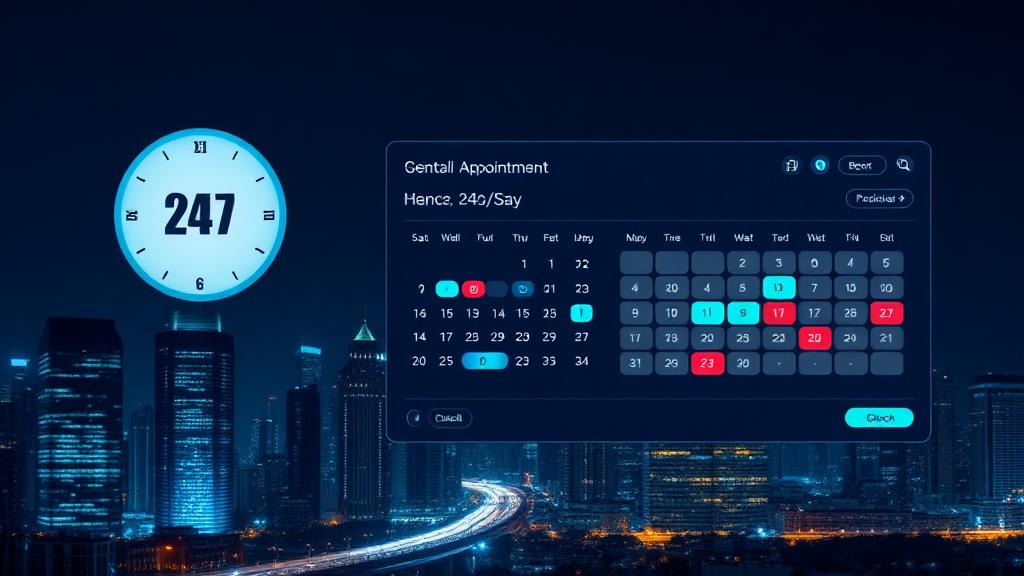
24/7 Dental Appointment Booking Systems: The Complete Guide
Everything you need to offer 24/7 dental appointment booking. Features, ROI, setup, and tools — backed by real numbers.
Table of Contents
Patients try to book at 7:12 am, 12:03 pm, and 9:27 pm—not just 9 to 5. If your schedule is only open when your front desk is, you’re forcing patients to wait and inviting them to book elsewhere.
“24/7 booking” isn’t a nice-to-have anymore. It’s how modern clinics meet patient expectations and protect marketing ROI. The data is clear: a large share of appointment attempts happen when you’re closed or slammed, and the first clinic to confirm wins the patient.
In dental, where a new patient is worth $500–$1,000 in first-year revenue and hygiene throughput drives production, leaving booking to business hours is expensive. You’re paying for clicks and calls that dead-end in voicemail.
This guide is your complete playbook for 24/7 dental appointment booking. We’ll define what it really means, the features that matter, the ROI to expect, and how to implement without derailing your team.
Related: For the cost of missed calls, see our Blog 1. For reducing no-shows, see Blog 7. For a tools comparison, see Blog 8.
Why 24/7 booking matters now
Patient behavior has shifted. Accenture reported that most U.S. healthcare consumers want digital self-scheduling options, and platforms like Zocdoc have shown that roughly 45% of bookings occur outside typical business hours. Layer on staff shortages and call spikes, and it’s easy to see why “call us tomorrow” is a growth killer.
Consider the math:
Even a modest recovery of 60% of those after-hours attempts means 52 additional bookings. At $180/hygiene and $650/new patient averages, it adds up fast.
Book a Free Demo — wavezautomation.online/book-demo
What “24/7 dental appointment booking” really means
It’s not a web form and a promise to call back. True 24/7 booking gives patients a confirmed time in one interaction, in any channel they choose.
Core channels:
Operational requirements:
The features that actually move the needle
Skip the fluff. These capabilities produce measurable results:
- Automatically call back or text missed callers within minutes and complete booking. Response-time compression is the easiest win.
- Replace voicemail with an always-on AI receptionist that can handle common reasons for calling: new patient, hygiene, tooth pain triage, reschedules.
- Protect new-patient blocks, maintain provider/room constraints, and enforce buffers. The system should never “dump” patients into bad slots.
- Text a secure link to capture insurance, ID, and forms. Verify eligibility in minutes. Confirm once data is complete.
- Automated SMS and email reminders. Systematic reviews show reminders reduce no-shows by 23–34%. Add waitlist auto-fill to backfill last-minute cancels.
- Track bookings by channel and time-of-day. Tie after-hours bookings to revenue to prove ROI. See which campaigns generate confirmed appointments.
- Capture pain/emergency calls, offer next-available slots, and escalate to on-call if you support it.
Implementation: Timeline and what to expect
Most clinics can be live in 1–2 weeks:
Staff impact:
Book a Free Demo — wavezautomation.online/book-demo
ROI scenarios: Conservative and aggressive
Conservative example:
Aggressive example:
Add-on impact:
Addressing the big objections
“Will 24/7 booking mess up our templates?” Not if you encode your rules. Good systems enforce appointment types, provider pairing, and block times. You choose what is bookable after hours.
“Will patients accept AI over the phone?” Patients accept instant solutions. If it books them faster and accurately, satisfaction improves. You can always escalate to humans for complex cases.
“Is it HIPAA-compliant?” Ensure your vendor signs a BAA, encrypts PHI, provides access controls/audit trails, and limits PHI retention. Many U.S. practices already deploy compliant AI assistants successfully.
“We serve many seniors.” Seniors still primarily call. Replacing voicemail with a friendly, clear voice that books immediately improves access for older patients.
Book a Free Demo — wavezautomation.online/book-demo
Upgrading your dental clinic phone system for 24/7
Your phone system must support:
Pairing your phone stack with automated scheduling unlocks the full value of 24/7 access.
Sources and references:
Real-World Case Study
Harbor Smiles, San Diego, CA
Before:
Solution:
60-day results:
- New patients: 58 x $650 = $37,700
- Hygiene: 124 x $180 = $22,320
- Total added: $60,020
Why Most Clinics Fail at This
They mistake “web forms” for online booking. A form isn’t 24/7 if it relies on next-day callbacks. Patients want a confirmed time, not a promise.
They don’t connect the phone. Most “online” solutions ignore the highest-intent channel: voice. If voicemail still answers after hours, you’re leaking bookings.
They skip rule design. Without clear templates, clinics fear chaos and stall the project. Encode rules up front—appointment types, blocks, providers—and 24/7 works on day one.
They don’t promote it. If patients don’t know they can text or book online, they’ll keep calling at 10 am and jam the lines. Put “Text to book” and “24/7 online booking” on your Google profile, website header, and appointment cards.
Wavez Automation turns your clinic into a 24/7 booking machine without adding staff. Our AI receptionist answers every call, books in real time across phone, web, and SMS, recovers missed calls automatically, and follows your exact schedule rules. You stay in control—Wavez just makes booking effortless for patients and your team.
Frequently Asked Questions
1) How does after-hours dental booking work by phone?
2) Will it integrate with my practice management software?
3) Can we screen emergencies?
4) How does 24/7 booking reduce no-shows?
5) What KPIs should we track post-launch?
Wavez Editorial
Wavez Automation Research Desk
Editorial byline reviewed by the Wavez founders before publication.
The Wavez Editorial byline covers research, buyer's-guide, and reference articles compiled by the Wavez Automation team. Every editorial piece is reviewed by co-founders Mirza Umaid Baig or Abdul Ghani Bin Ahmed before publication and cites vendor and government sources where possible.
View author profile →Related Articles
Ready to Transform Your Practice?
See how Wavez AI receptionist can help you capture more appointments, reduce missed calls, and grow your revenue—starting in just 48 hours.