Product

    Best AI Receptionist Setup for Multi-Location Dental Groups

    The same product should behave very differently at one location and at twelve. Here is what to configure at each stage.

    Wavez Team8 min read
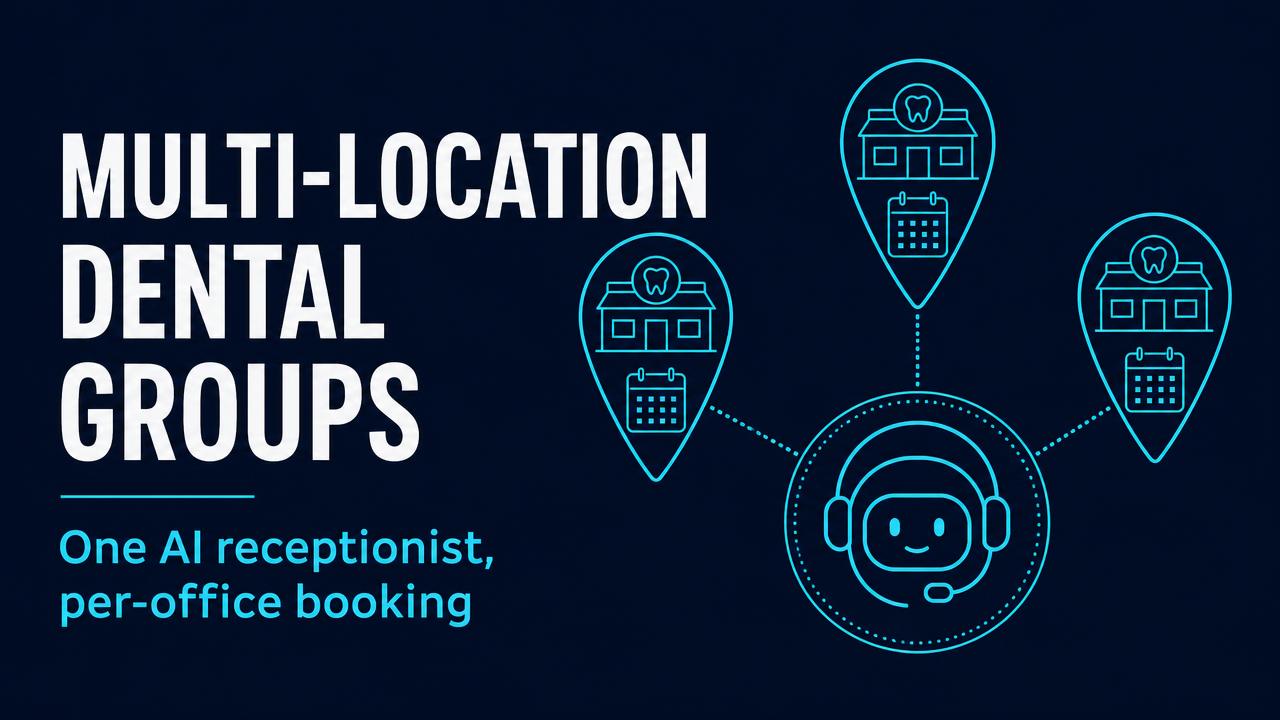
    Illustration of three connected dental clinic locations with map pins

    Single private practice: coverage is the whole problem

    In a one- or two-doctor office, calls are lost to a specific, boring pattern: the desk is occupied with a patient checking out, the phone rings twice, and it goes to voicemail. Nobody is neglecting anything — there is simply one person and two jobs.

    • Configure the AI as an overflow answer after two rings, not as the primary greeting, so patients who reach your team still reach your team.
    • Turn on full after-hours and lunch coverage — that is where most new-patient calls are lost.
    • Set emergency escalation straight to the doctor mobile outside office hours.

    Small group (2–5 sites): consistency is the problem

    Once there are three front desks, three different answers to "do you take my insurance?" start reaching patients. The AI is the only part of the operation that says the same thing every time, which makes it a standardisation tool as much as a coverage tool.

    • Write one shared FAQ set for insurance, pricing and policies; override only where a site genuinely differs.
    • Route by the number dialled so each location keeps its own local presence.
    • Allow cross-site booking for urgent cases: if the Uptown chair is full Thursday, offer Midtown rather than losing the patient.
    • Review one week of transcripts per site monthly — it surfaces training gaps faster than any survey.

    Multi-location (6+ sites): routing and reporting

    At this scale the AI stops being a receptionist and starts being infrastructure. The questions become operational: which site is leaking calls, which appointment types get abandoned, and who is on call tonight.

    • Per-site rules for hours, providers, appointment types and on-call rotas, managed centrally.
    • Consolidated reporting on answer rate, booking rate and after-hours share, sliced by location.
    • Escalation trees so complex calls reach the right regional manager rather than a generic voicemail.
    • Phased rollout — start with after-hours only across every site, then extend to daytime overflow once transcripts look clean.

    Do not roll out to all locations at once. Run two sites for two weeks, fix the FAQ gaps the transcripts expose, then expand. Practices that skip this step spend the next month un-teaching the agent one location at a time.

    Running more than one location? We map routing, on-call rotas and reporting during onboarding rather than handing you a config screen.

    Book a walkthrough

    Frequently asked questions

    Yes. Wavez supports per-location greetings, schedules, providers, on-call rotas and routing rules under one account, with consolidated reporting across sites and optional cross-site booking for urgent cases.