Product

    Dental Front Desk Automation: What to Automate First

    Automate in the wrong order and you get five tools and the same chaos. Order matters more than tooling.

    Wavez Team9 min read
    Flat illustration of front desk tasks flowing into an automated pipeline

    Why the order matters more than the tools

    Front-desk automation fails for a predictable reason: practices buy several systems in the same quarter, each solving a different slice, none of them talking to the others. The team ends up checking four dashboards alongside the PMS and concludes automation made things worse.

    Sequencing avoids that. Each layer should be live, measured and boring before the next one starts. A single working layer beats four half-configured ones, and the discipline costs nothing.

    Layer one: the phone

    The phone comes first because it is the only front-desk failure that permanently loses a patient. A late reminder delays an appointment; an unanswered new-patient call sends that person to a competitor and they never return.

    It is also the layer with the clearest measurement. You have a baseline — unanswered calls per month — and a direct outcome, appointments booked. Nothing else on the list produces that clean a before-and-after.

    • Start with overflow and after-hours, where the alternative is voicemail rather than a person.
    • Require live PMS write-back. A booking that lands in an email is a task, not an automation.
    • Review transcripts weekly for the first month.

    Layer two: intake

    Once calls are being answered and booked, the next bottleneck appears at the front counter: paper forms, retyping, and insurance details captured twice. Digital intake sent at booking, completed before arrival and written straight into the patient record removes most of it.

    The measurable outcome is chair-time punctuality and reduced data-entry errors, not revenue. Worth doing, but genuinely second in line.

    Layer three: reminders and recall

    Most practice management systems already do reminders adequately. Turn on what you have before buying anything, and configure the timing deliberately rather than accepting defaults.

    Recall is the more valuable half and the more neglected one. A recall list that nobody phones is just a report. Automating outbound recall — with a route back into a live booking conversation rather than a voicemail — usually recovers more production than any reminder tuning.

    Check for overlap before buying. Reminder functionality bought twice is the most common wasted spend in dental software.

    Layer four: payments and admin

    Online payment links, card-on-file and statement automation reduce administrative time and improve collection speed. They are worth doing and they are last, because they affect money you have already earned rather than patients you have not yet captured.

    By the time you reach this layer, the desk should have visibly more capacity than it did four months earlier. If it does not, stop adding tools and audit the ones already running.

    The one non-negotiable rule

    Every layer must write into the practice management system. Any tool that creates its own separate queue transfers work rather than removing it, and the front desk pays for that transfer daily.

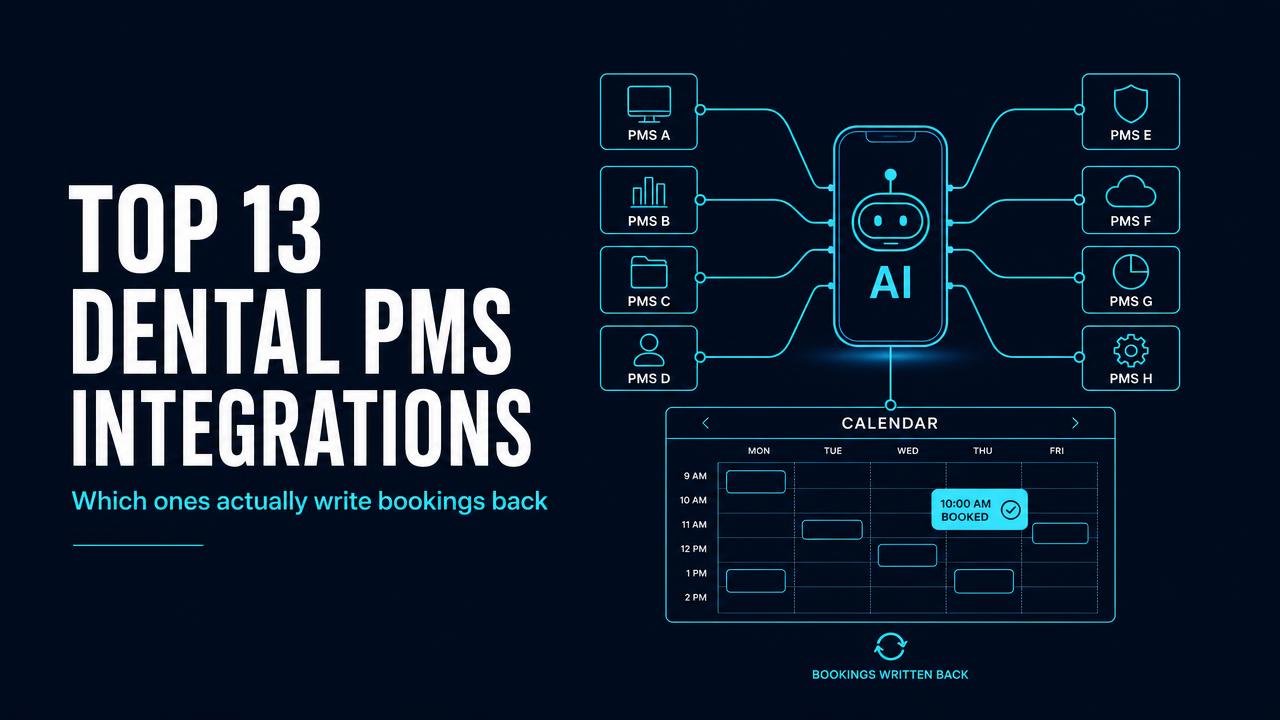
    Before buying anything, ask which specific PMS versions it writes to and whether write-back is real-time. Cloud systems like Open Dental, Curve and Denticon are straightforward; server-based Dentrix and Eaglesoft need a bridge. The PMS integration guide covers the differences.

    Start with the layer that pays back fastest.

    See front desk automation

    Frequently asked questions

    The phone. Unanswered calls are the only front-desk failure that loses a patient permanently rather than delaying them, and the outcome is directly measurable against your existing call report.